Onlink
Encrypted 1:1 and group chat, self-destructing messages, and an approval-gated admin console
A Flutter chat app and a companion Flutter admin console sharing one Firestore backend: message data is encrypted client-side before it is stored, conversations carry an adjustable 1-6 day self-destruct timer, the chat screen blocks screenshots and screen recording, and idle sessions auto-log-out after 5 minutes.
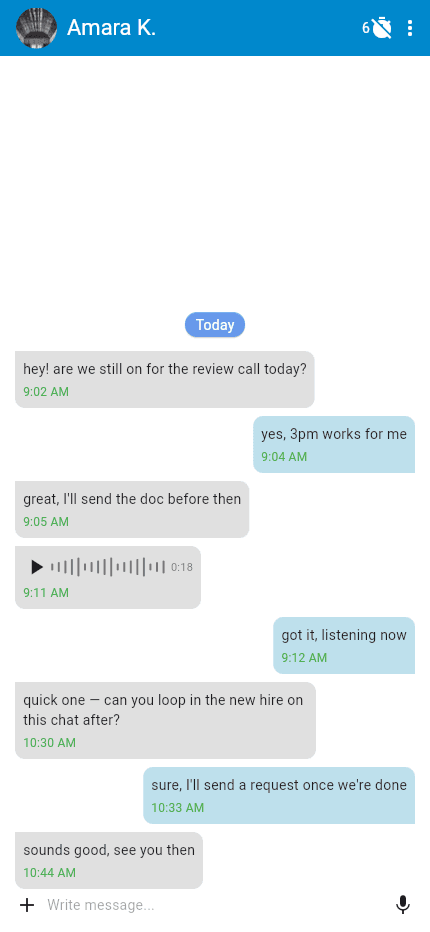

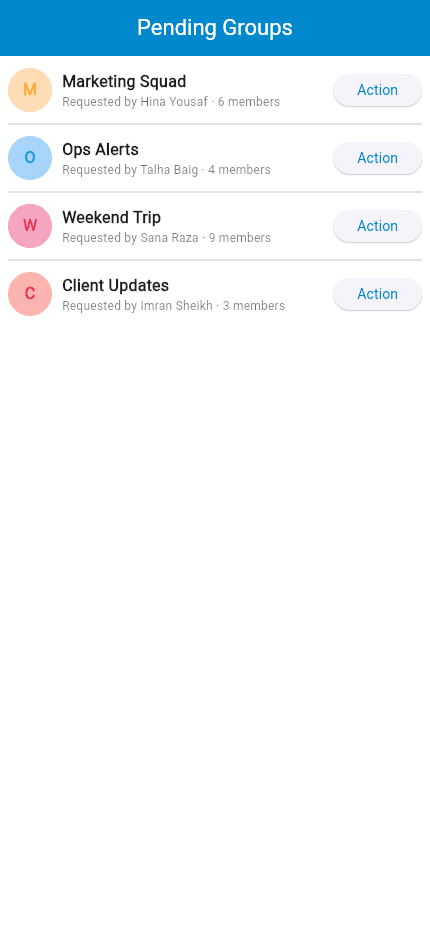
Both repositories are private. Client-side encryption, self-destructing messages and the group-approval queue are explained below.
About this project
Onlink is two coordinated Flutter apps — a GetX-based chat client and a separate admin console — reading and writing one shared Firestore backend. Rather than a generic messenger, the client is built around privacy features: message data is encrypted on the device before it is stored, and decrypted again on read.
Conversations also self-destruct on a timer, adjustable from 1 to 6 days per chat or group. Each message stores its own expiry timestamp (current time plus the chat's configured window), and the conversation list filters out any message whose expiry has passed at render time, so old messages actually disappear rather than just being hidden behind a setting. On top of that, the chat screen blocks screenshots and screen recording, and a 5-minute idle timer signs the user out automatically.
Starting a 1:1 chat goes through a request/approve flow — search a user by email or name, send a request, and the recipient has to accept before either side can message (chats carry a waiting/approved/rejected status). Group chats sit behind a matching admin-side workflow: the admin console's "Groups Requests" queue lets an admin review a new group's member list, add or remove members, and approve or reject it before it can be used.
The admin console itself is the operational side of the same product: create and manage user accounts, review the pending-groups queue, browse all groups, and — behind a Firebase re-authentication prompt that requires re-entering the admin's password — bulk-delete all chats or wipe all app data. Voice messages (in-app recording via the device mic, uploaded to Firebase Storage, played back with position/duration controls) and image messages round out the message types.
Key features
- Client-side encryption of message data before it is stored
- Adjustable 1-6 day self-destruct timer per chat/group — messages carry their own expiry timestamp and are filtered out of the conversation view once it passes
- Screenshot/screen-recording blocked on the chat screen, plus an automatic 5-minute idle-session logout
- Request/approve chat model: search a user by email or name, send a request, and the recipient must accept before messaging opens
- Group chats with an admin-side approval queue — review member lists, add/remove members, approve or reject a new group from the console
- Voice messages (in-app recording, Firebase Storage upload, playback with position/duration controls) and image messages
- Admin console: create/manage user accounts, browse all groups, and a password-reauthenticated bulk-delete for all chats or all app data
More in Social & Media
Gage
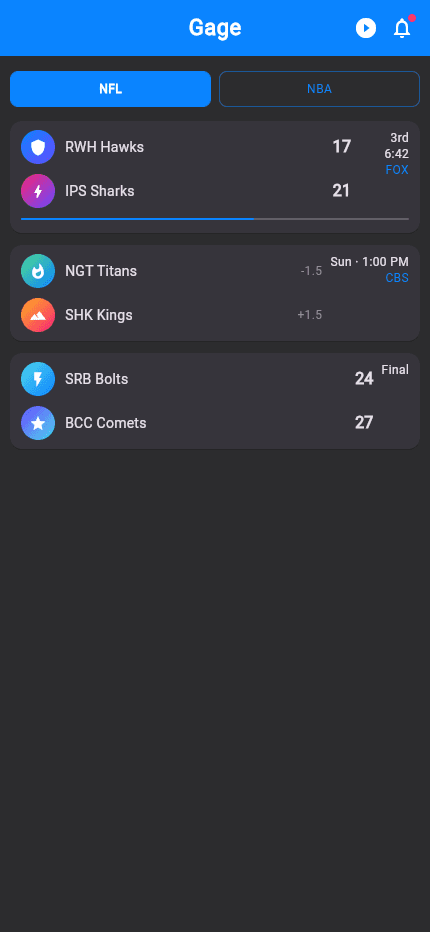
Social sports platform — live NFL/NBA scores, friendly wagers & group chat
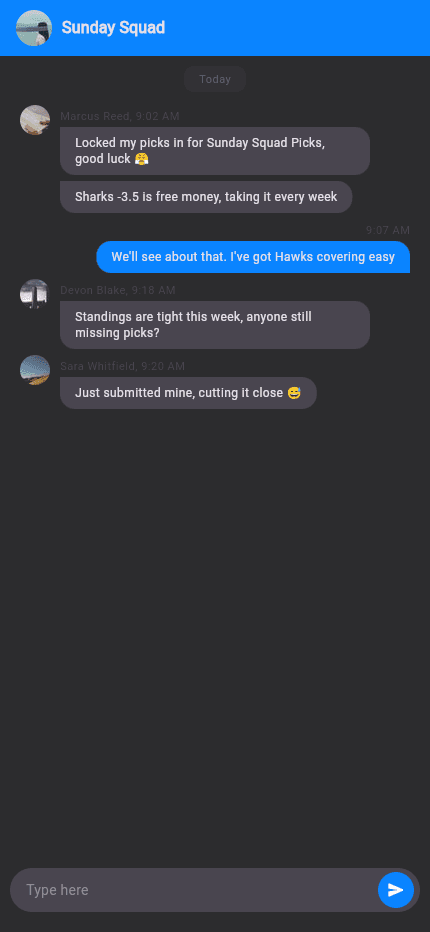
A feature-dense social sports app where friends track live NFL/NBA scores and news, challenge each other with 'gages', climb leaderboards and talk trash in group chat — with push notifications and deep links throughout.

DingDong
Short-video social app — camera-to-feed reels, live rooms and a creator coin economy
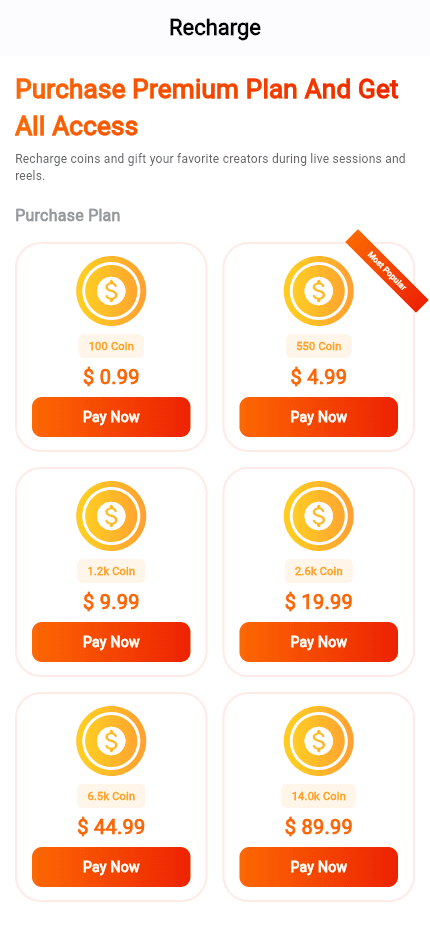
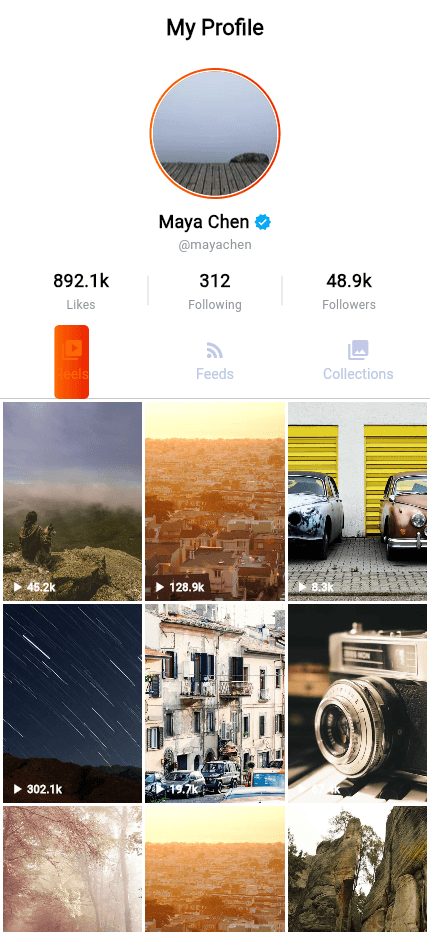
A Flutter short-video social app: an in-app camera records reels with a searchable sound library, a vertical feed carries hashtags, follow, like and comment, and a coin economy lets users recharge with card payments or native in-app purchase and gift coins to creators, who withdraw them — all behind a Node/Express/MongoDB backend and a Next.js admin console, with AI content moderation on every upload.
Finutss
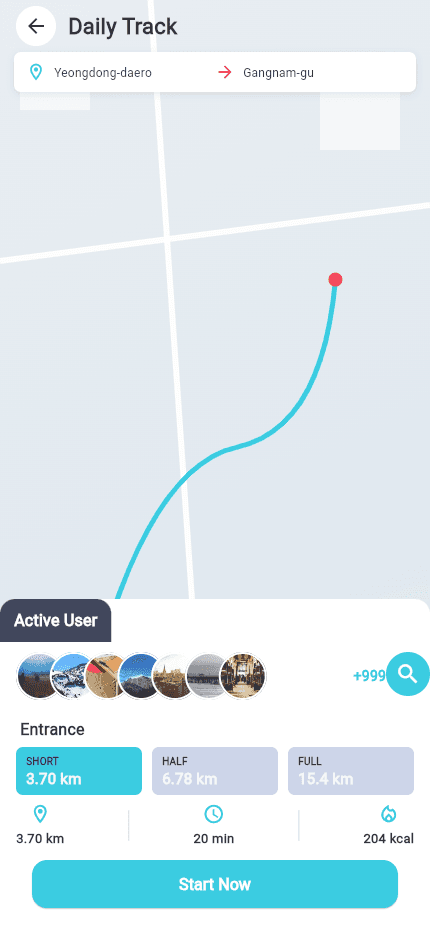
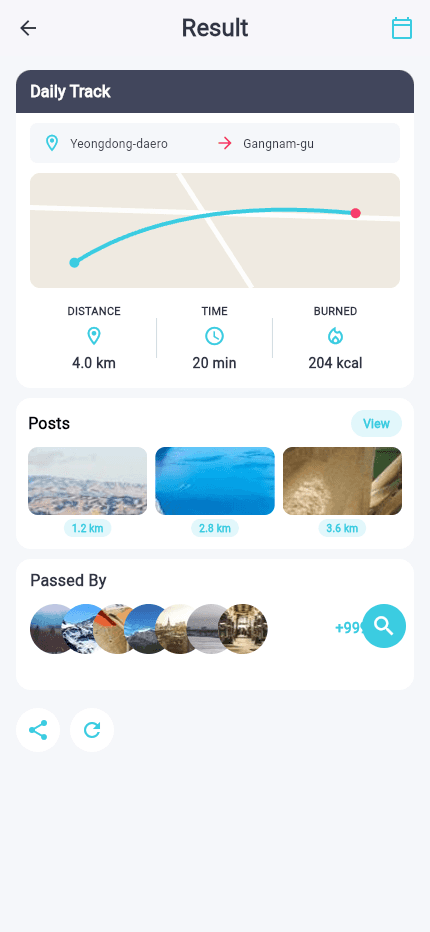
A social fitness tracker — Mapbox route recording, live group tracking, and a full social layer built on top of it
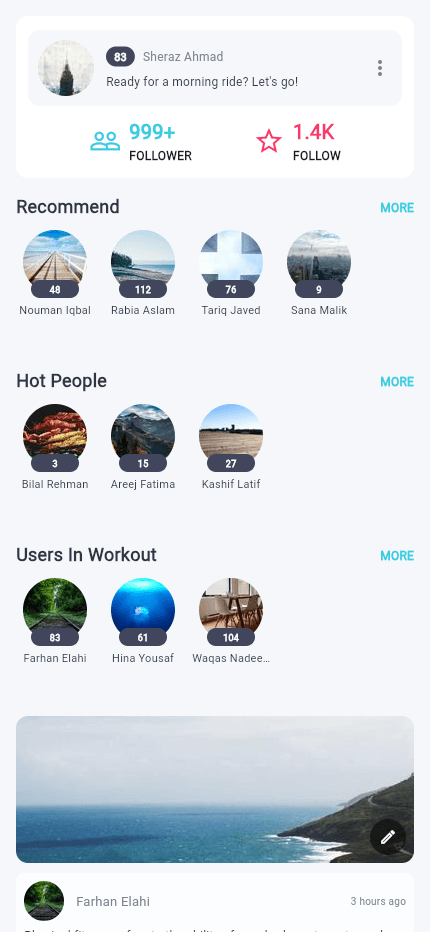
A Flutter social-fitness app: Mapbox-based route recording for workouts, live on-map tracking of other users nearby, Bluetooth pairing with cycling sensors for speed/cadence, and a social layer — activity feed, posts, chat, follow/friend requests, and report/block moderation — all built on GetX with 14-language localization.
~/sherazi.dev$./say-hello
Say hello.
Questions about a case study, one of the packages, AI tooling or Flutter in general are always welcome.
// or browse the packages on pub.dev(opens in a new tab)